


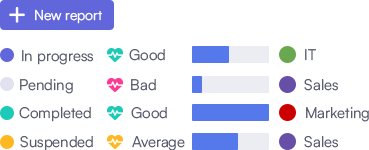
Customized reports
Generate the reports you require
The Project Management Office (PMO) frequently needs to generate and share reports. With FlexiProject, you can automate this process. You can design the reports you require.
Learn moreExplore every project management software feature FlexiProject offers — planning, portfolios, Gantt charts, budgets, resource management, and reporting. Everything you need to plan and run projects, in one system.
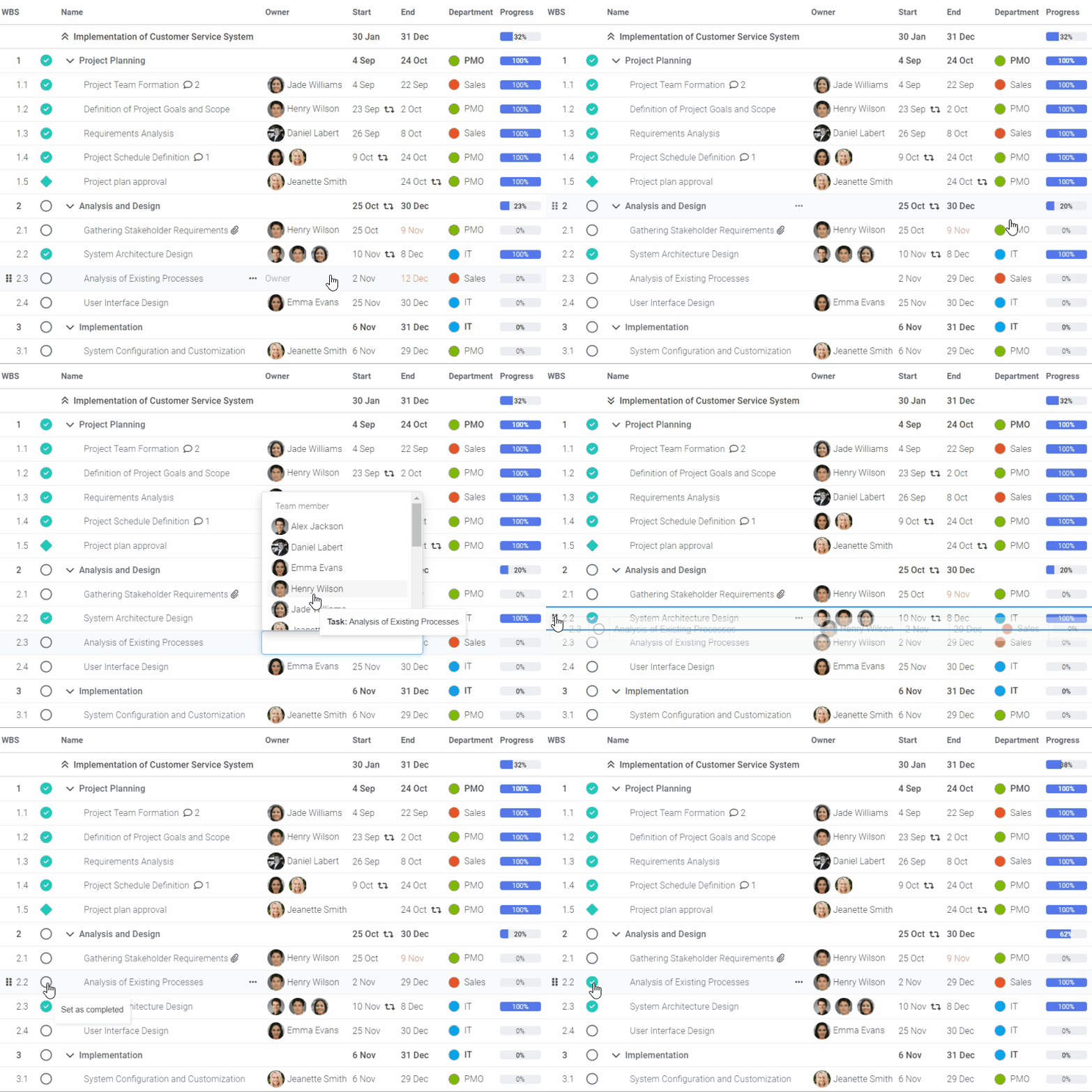
FlexiProject is a project management tool that provides an intuitive way to manage your project schedule. Its task list is easily configurable, giving you complete control over the structure of the tasks and the properties displayed on the screen.
With FlexiProject, you can adapt to your needs, providing you with flexible scheduling and complete control over the progress of your project.
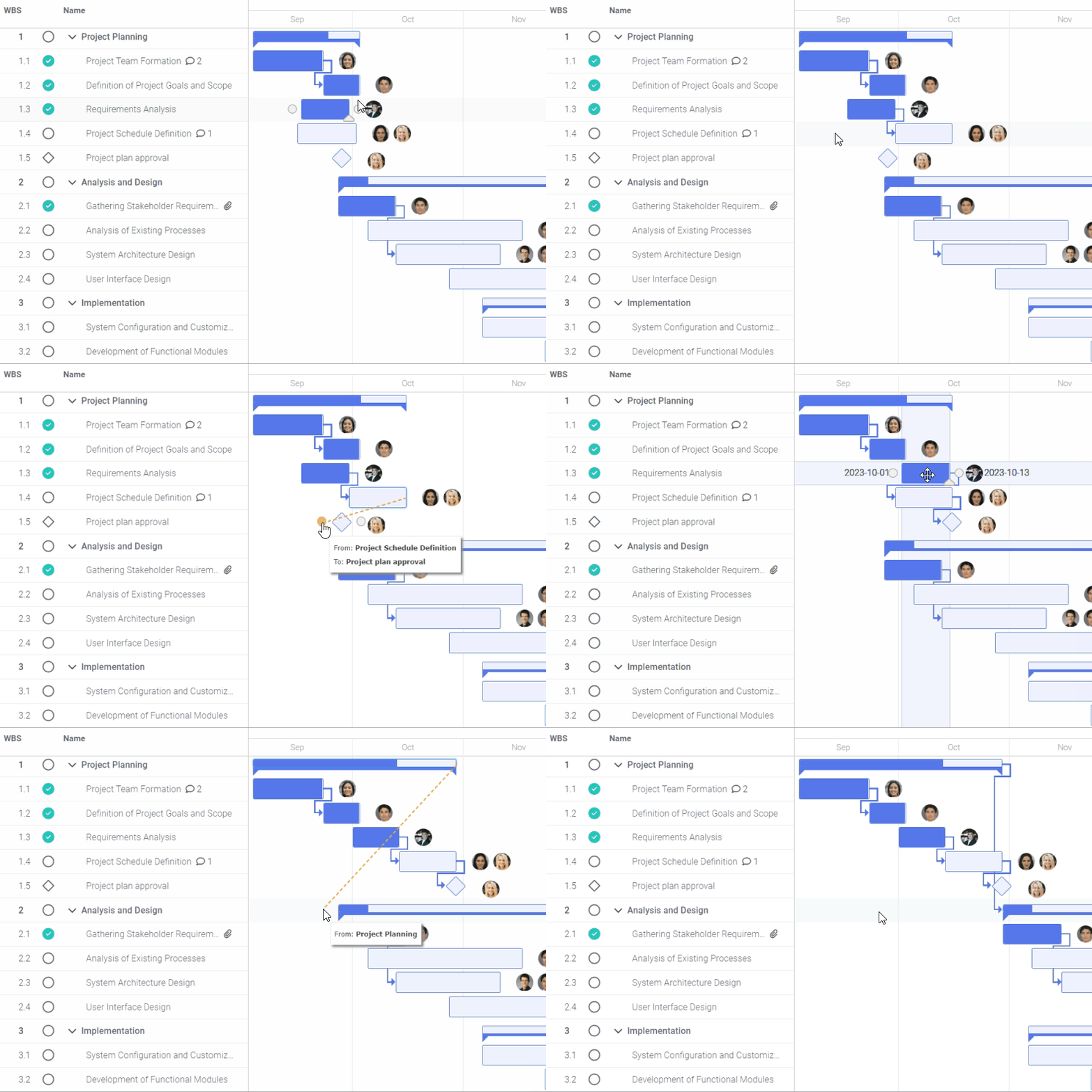
FlexiProject is a tool that helps you manage your project schedule on a Gantt chart. It considers the dependencies between tasks, allowing you to see any variances from the project plan easily.
You can also control the resources committed to the project. You have the flexibility to decide what information is displayed on the chart.
FlexiProject enhances agile project management with an interactive Kanban board. Track tasks by stages, owners, dates, or custom attributes.
Customize the board with diverse grouping options. Easily manage tasks, monitor status, and address potential risks promptly. FlexiProject ensures comprehensive project oversight with a highly effective approach.

Turn an idea into a ready-to-execute project plan in just a few minutes. Simply describe your project goals and requirements, and AI will automatically generate a schedule with tasks, milestones, dependencies, and a Gantt chart.
Get a strong starting point and accelerate planning for even the most complex projects. The generated schedule can be freely edited, expanded, and tailored to your organization’s processes, helping teams save time, improve consistency, and start delivering value faster.

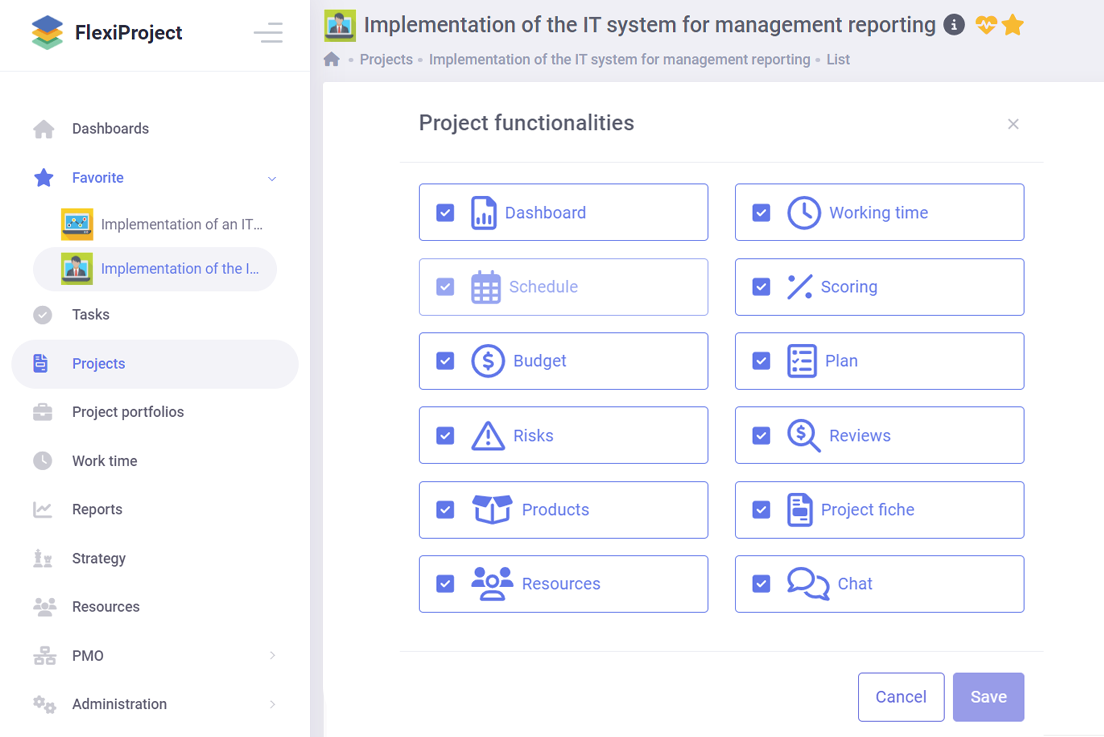
When starting a new project, you can choose the functions you want to use yourself. Unnecessary functions will be hidden to make the system more intuitive and easier to work with.
But that’s not all. You can also configure the appearance of the project card, schedule layout, budget, and other elements. This way, the system will be quickly and easily customized to your preferences 
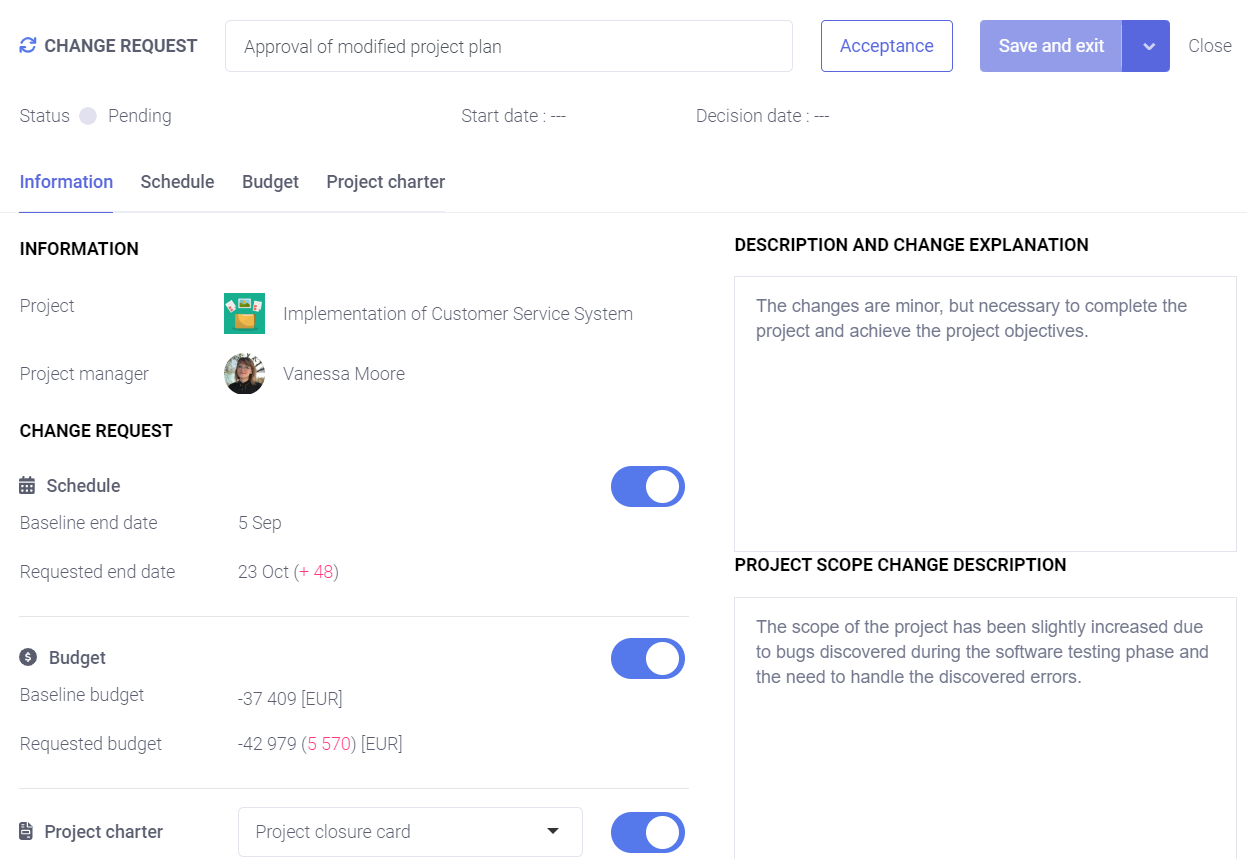
Ensure successful project implementation: define each project and obtain approvals using the Project Charter
Learn more

To ensure the success of your project, it is crucial to manage its budget effectively.
Learn more

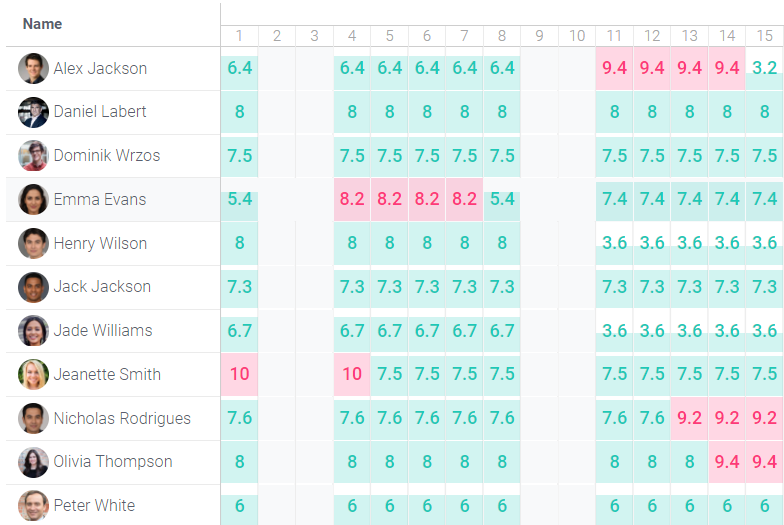
FlexiProject is a tool that helps you manage your project tasks and assign them to specific team members. With FlexiProject, you can easily track everyone’s level of involvement in each project, ensuring you have the resources you need when needed.
This tool makes it easy to allocate time for each task and monitor progress throughout the project lifecycle.
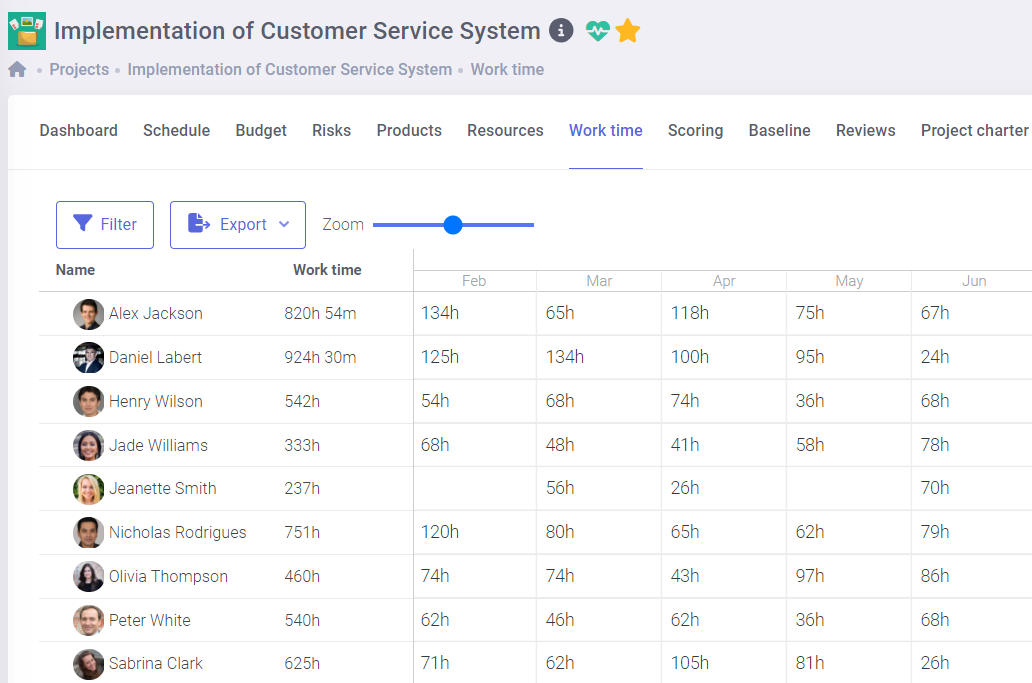
The work time registration feature in FlexiProject allows for precise monitoring of time spent on specific tasks and projects. This tool enables employees to easily log their work hours in real-time, allowing for accurate comparison between planned and actual task completion times.
Systematic time tracking supports effective project management by facilitating resource allocation and identifying areas that require optimization.
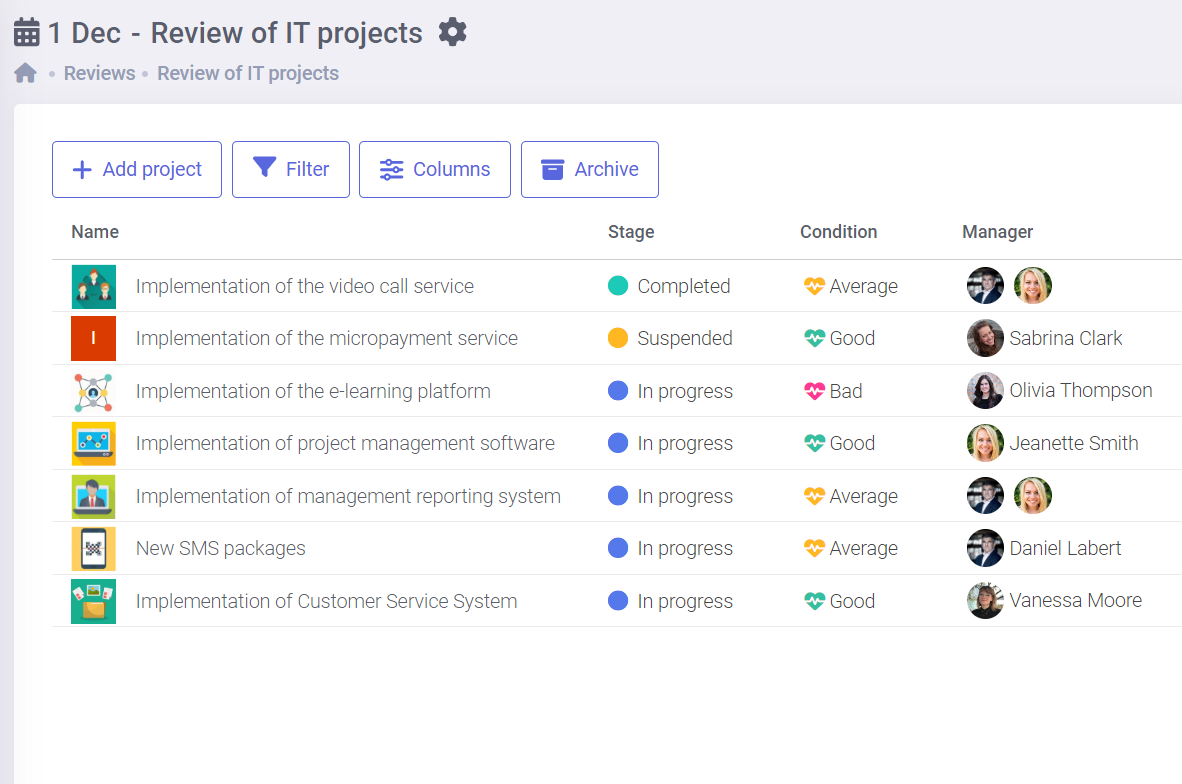
Projects can be grouped into portfolios to streamline management and strategic alignment.
By creating a project roadmap with milestones and maintaining a global view of finances, you ensure efficient achievement of strategic goals, better resource allocation, and improved decision-making across all projects.


Develop a suitable business strategy that enables you to make the most of your company’s production and resource capabilities. This will help you gain a competitive edge, bolster your market position, and achieve your financial objectives.
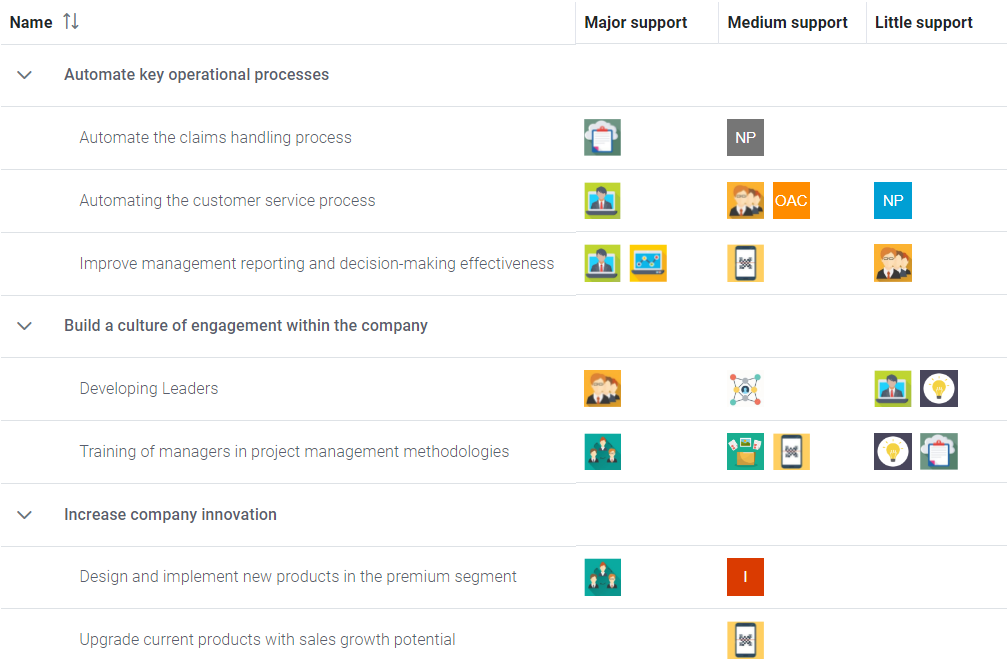
FlexiProject provides a comprehensive platform for modeling the entire structure of your company’s strategic goals.
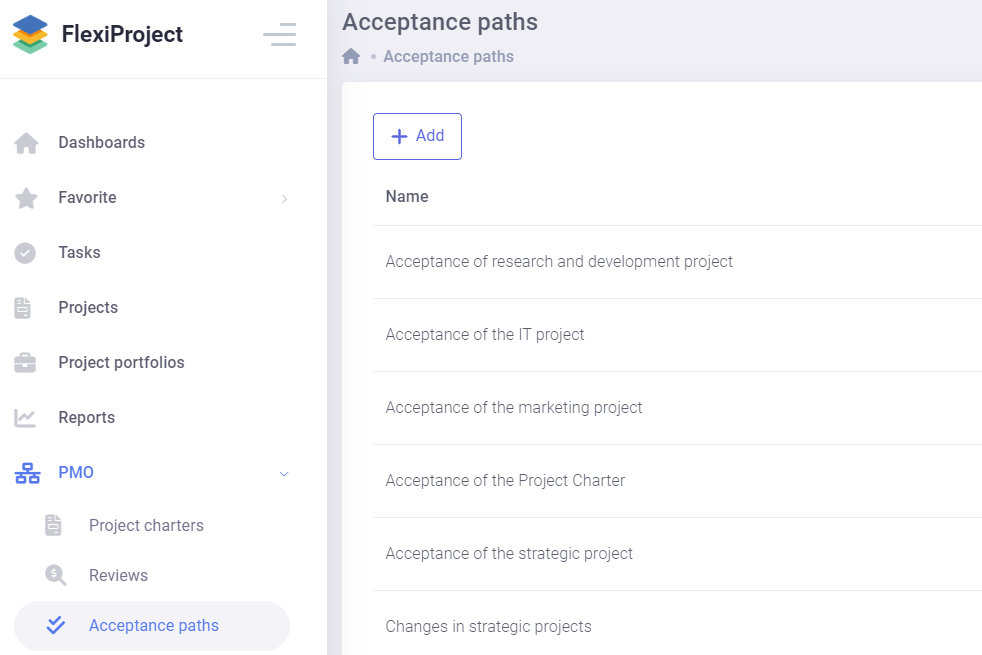
FlexiProject allows you to design customized acceptance paths for project implementation tailored to your organization’s decision-making process.
You can establish multiple decision stages and assign specific users to each stage, reflecting your company’s unique approval procedures. For example, a project may require initial approval from the Project Management Office followed by the Board of Directors.
The Project Management Office (PMO) frequently needs to generate and share reports. With FlexiProject, you can automate this process. You can design the reports you require.
Learn more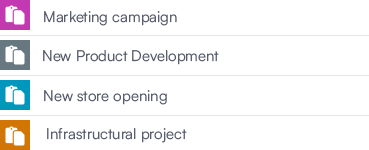
Creating templates is one way to accelerate the initiation of frequently occurring projects. Templates can include the timeline, budget, risks, outcomes, and recommended procedures.
Learn more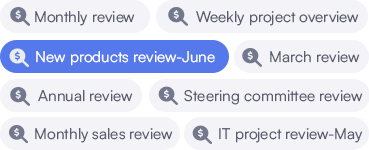
If you use a report created in Power Point, you can reflect it in FlexiProject. This will allow you to automate the entire process of completing it and easily share it with management.
Learn more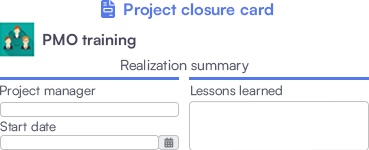
To enhance your organization's project management expertise, it's essential to document the lessons learned. This enables you to increase your project management maturity level.
Learn more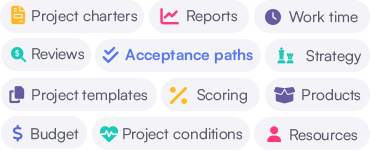
At the implementation stage, you can configure FlexiProject according to your needs. You can create project charters, templates, approval paths, periodic reports, and project categories.
Learn moreCustomers think that FlexiProject provides comprehensive functionalities for managing projects
Customers claim that the flexibility of FlexiProject ensures alignment with the organization's individual needs
think that FlexiProject reflects the organization's project management standards
would recommend FlexiProject to other companies
If you want to explore the full capabilities that FlexiProject offers, feel free to talk to our specialists.
