Create comprehensive reports and provide accurate information to help monitor progress and make informed decisions

FlexiProject’s reports can be tailored to your needs, helping you quickly extract and share information.

Diversify

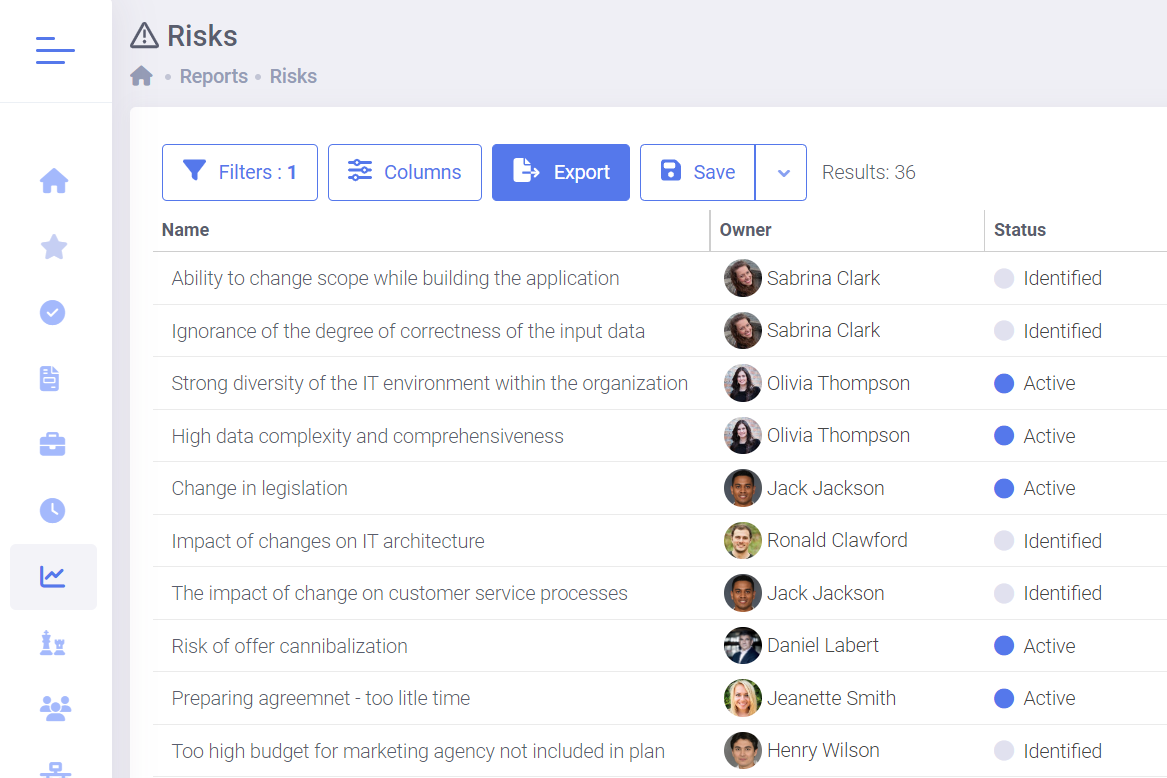
Create reports for different types of data

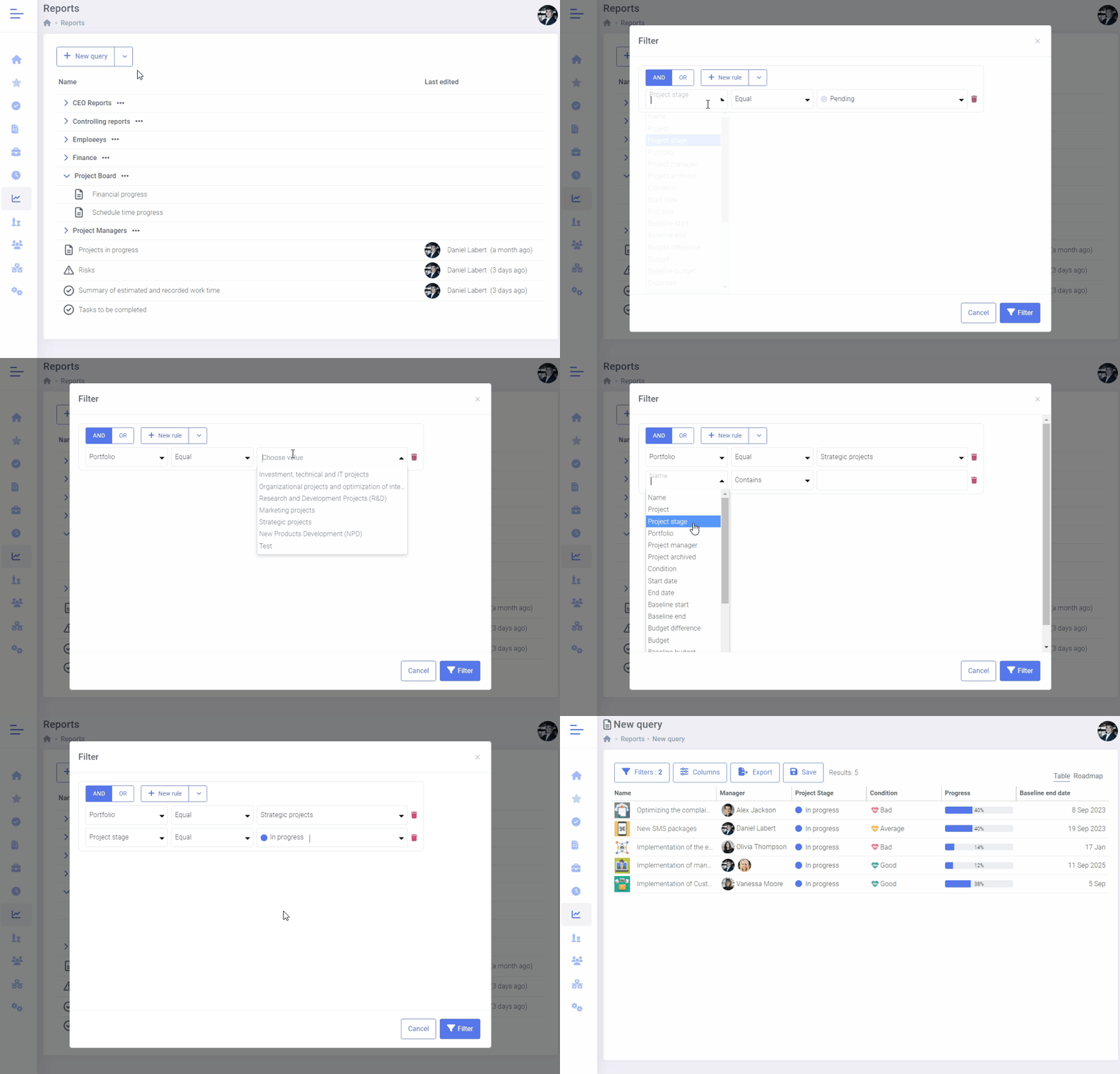
If you need to access specific data, you can use our report builder tool.

This tool allows you to select the data you want to see, such as projects, tasks, milestones, budget items, expenses, project risks, products, or plan changes. Additionally, you can apply filters to each report to refine the results based on your specific criteria.

Build your own project portfolios reports
Customization

Customize the report to fit your needs

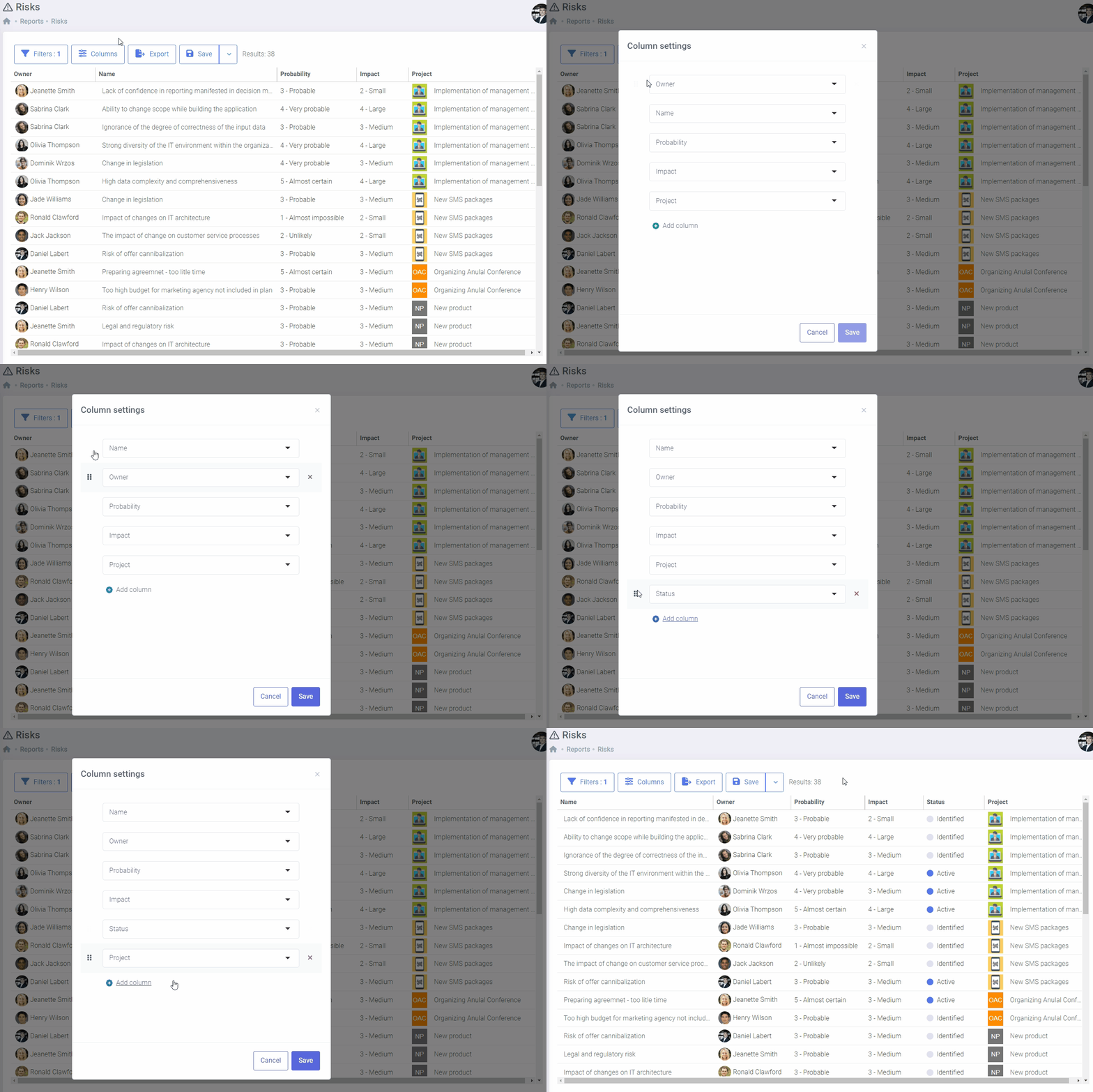
You can select the columns you want to include in your report and exclude the ones you don’t need. Furthermore, you can change their order, which gives you the flexibility to create a report that aligns with your requirements.

The report is programmed to calculate certain information automatically based on the calendar, ensuring that you always have the latest data available.

Customize the report to fit your needs
Graphic summary

Graphic summary available in reports

Graphic summary is available in three main areas of the system: project portfolios, project overviews, and project reports. It enables quick analysis of key indicators such as project statuses, budgets, delays, risks, tasks, milestones, and custom fields.

Users can freely add, remove, edit (change data scope and filters), and rearrange widgets. All changes are saved automatically, allowing the view to be easily customized to individual needs.

Graphic Summary of Reports in the FlexiProject Project Portfolio Management software
Try FlexiProject for free!

Experience the full power of FlexiProject with unrestricted access for 30 days—completely free, with no hidden fees or charges. Start your trial today and see how FlexiProject can enhance your project management and team productivity!

Updated

Once created, the report will always be available to you with up-to-date data

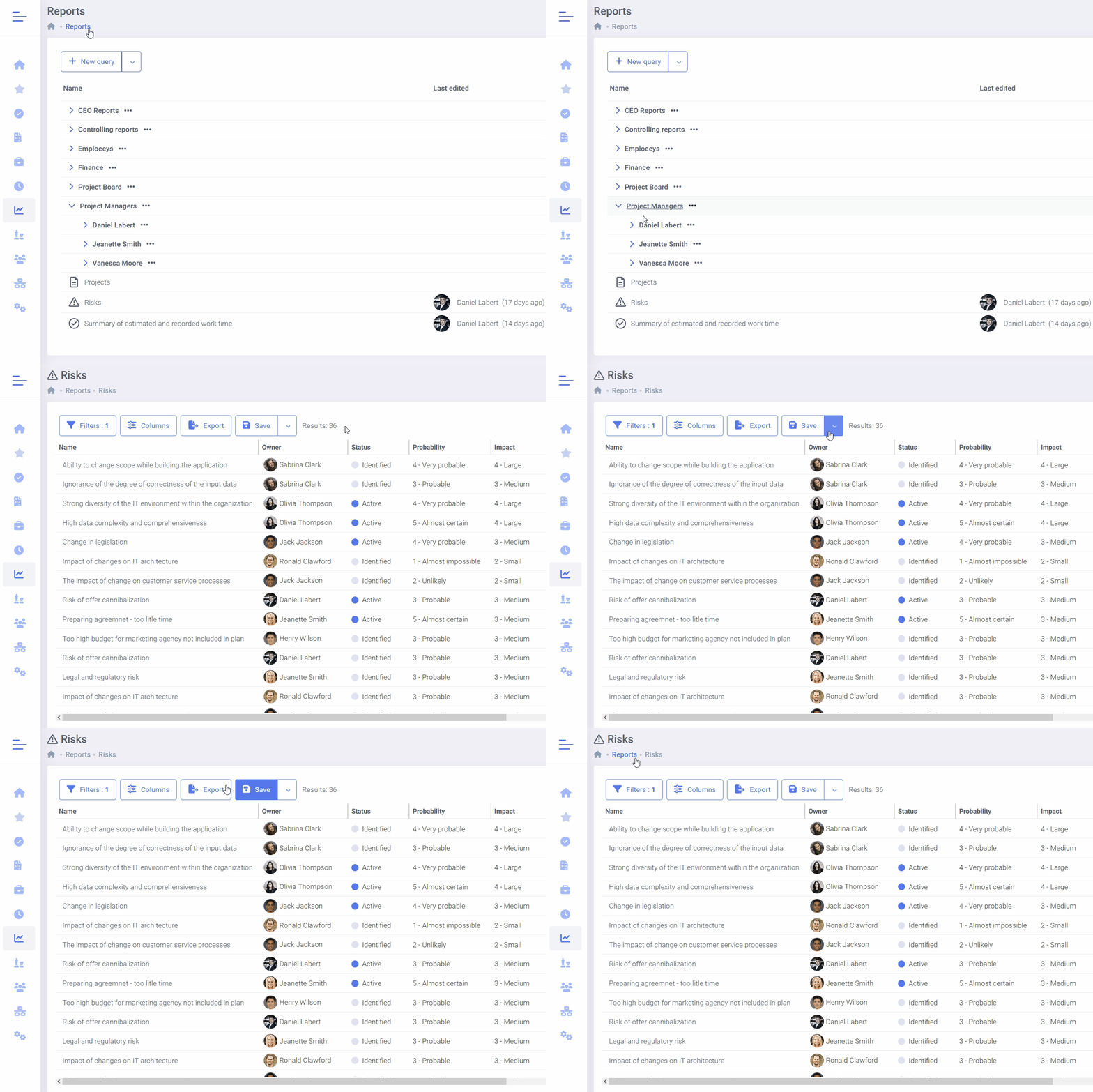
FlexiProject enables you to save reports that you have created previously. The saved report will retain your individual settings and data filtering criteria.

All saved reports will always be available with the latest data from the system. You can also organize reports into folders that you have created.

Report will always be available to you with up-to-date data
SHARE

Effortless report sharing with controlled access

The report sharing feature allows you to quickly share important data with your team while maintaining control over access levels.

Simply select the report, choose users, and assign them edit or view permissions. Selected users receive automatic notifications, making collaboration and access to up-to-date information easier.

Ability to Share Reports in the FlexiProject System
detailing

Moving on to details of the elements

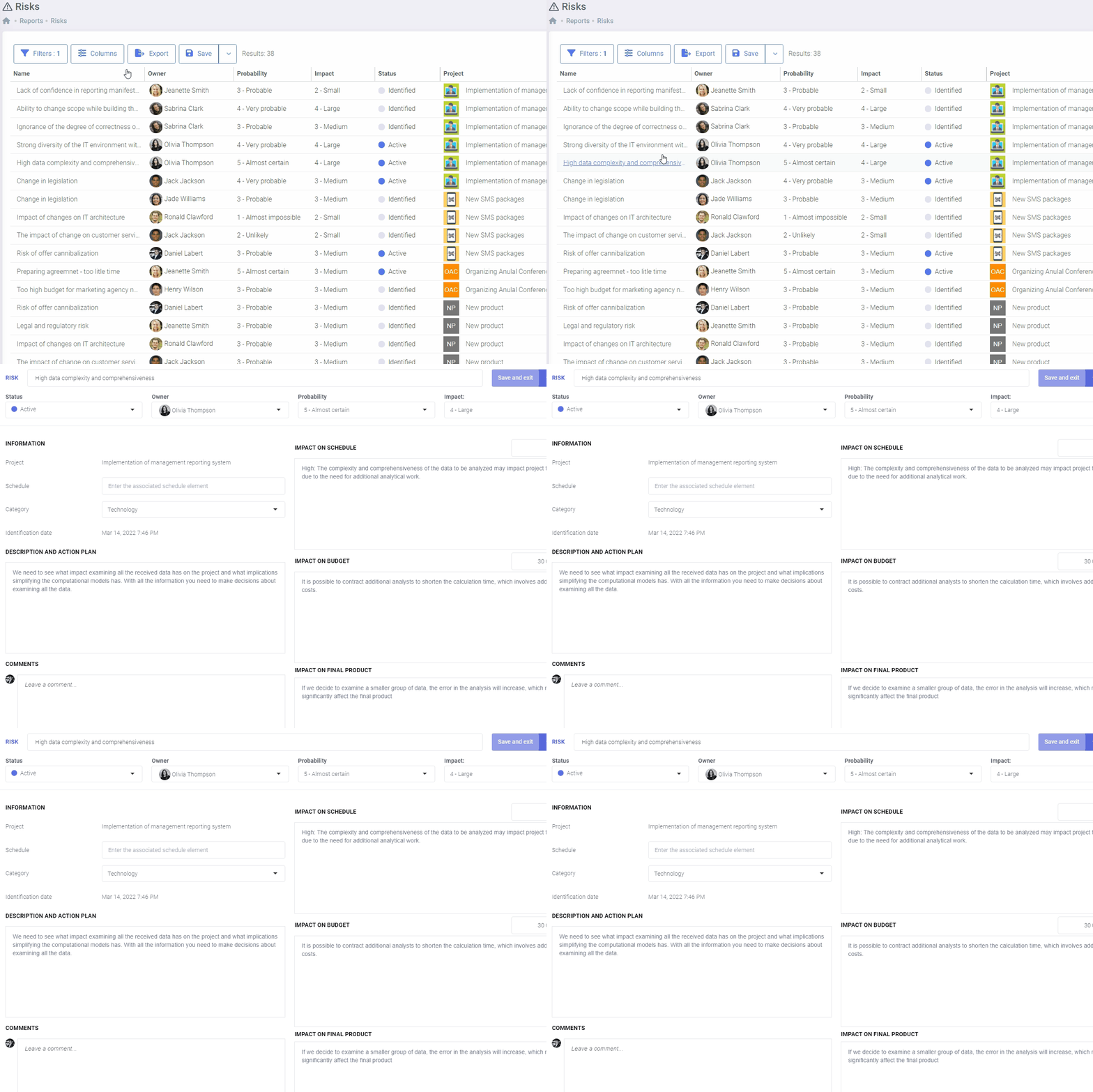
Each report provides a direct link to the specific data that it displays.

This feature is beneficial when examining the information in more detail, adding comments, asking questions, or downloading attachments. It saves a lot of time since you don’t have to search for more information scattered throughout the system.

Moving on to item details
TOTAL ROW

Automatic total row for quick data summaries

In reports, a total row is automatically generated below columns containing numerical data (such as budget values, work time, effort, and numerical attributes of projects and tasks).

This row is hidden if the report does not include any numerical data.

Total Row in Reports
EXPORT

Export to MS Excel file

In FlexiProject, you can export any report to an Excel file while keeping your custom settings.

This feature allows you to add data from external sources or perform additional calculations on the exported file. Additionally, you can share the report with people who do not have access to the program.

Export project reports to MS Excel file

Contact us to learn more about FlexiProject details

If you want to explore the full capabilities that FlexiProject offers, feel free to talk to our specialists.